
Inventory management, connected
One live picture of every stock decision
From demand to purchase order, stocktake to invoice — keep the loop connected.
- Buy to demand with par levels
- Count stock without spreadsheet chaos
- Keep inventory and invoicing aligned
& demand
The inventory control loop
Make every stock decision with the same live picture
Inventory management is one of the core pillars of BSimple business management software.
Keeping a strong and detailed handle on your business inventory is one of the best ways to protect margin, but it is also one of the most complicated operating disciplines. A simple sale depends on the right product, a fair price and a customer who needs it; behind that transaction sit supply and demand, purchase orders, par levels, stocktakes, reports and invoicing.
Keep those decisions connected so your team can act before a shortage becomes a missed order. Explore the workflow below, then see how warehouse management software shows the same stock data powering picking, dispatch and multi-location control, while our inventory management for vending machines example applies the principles to a specialised operation.
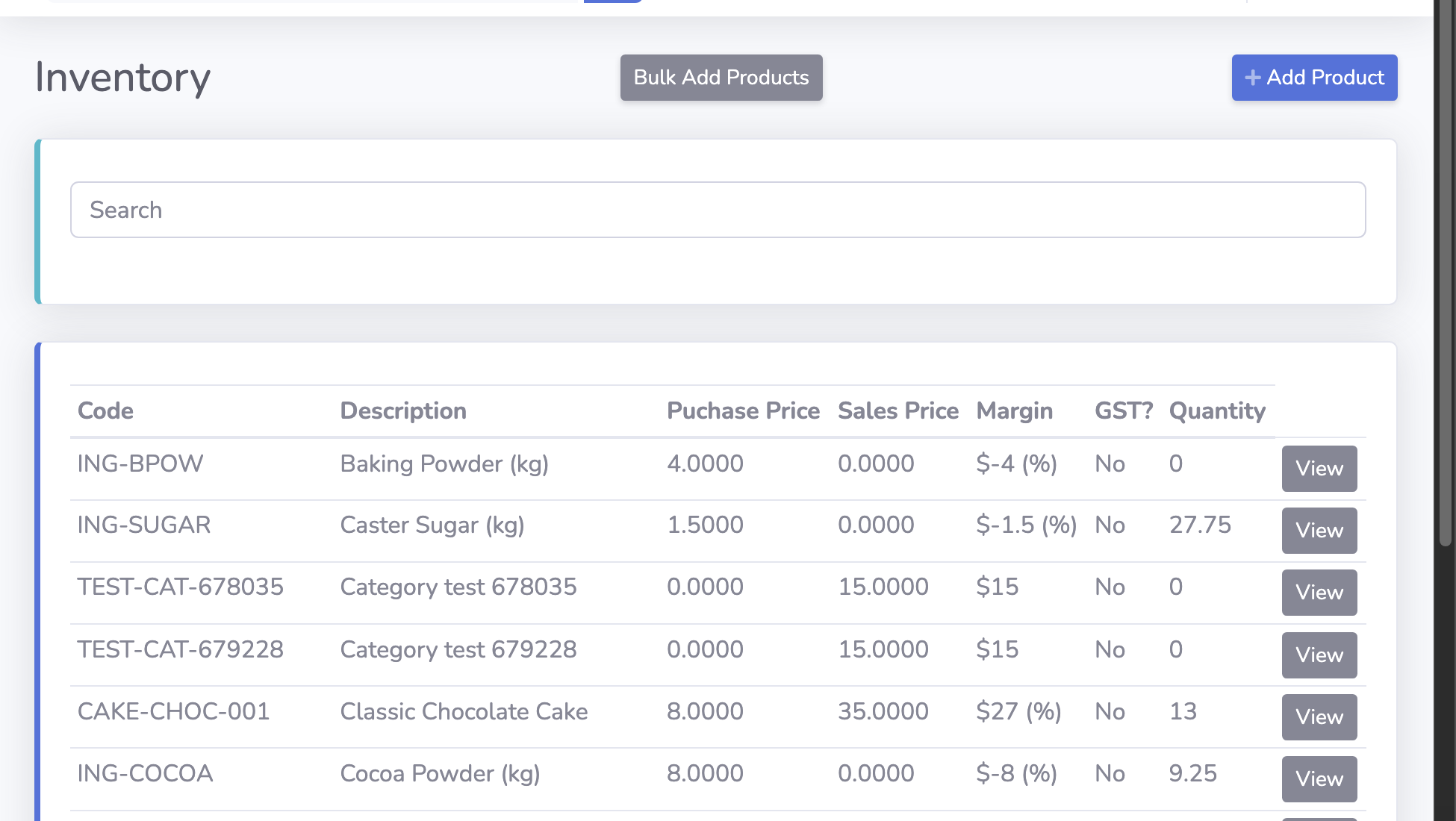
Live stock quantities and sales history
Purchase orders tied to suppliers and demand
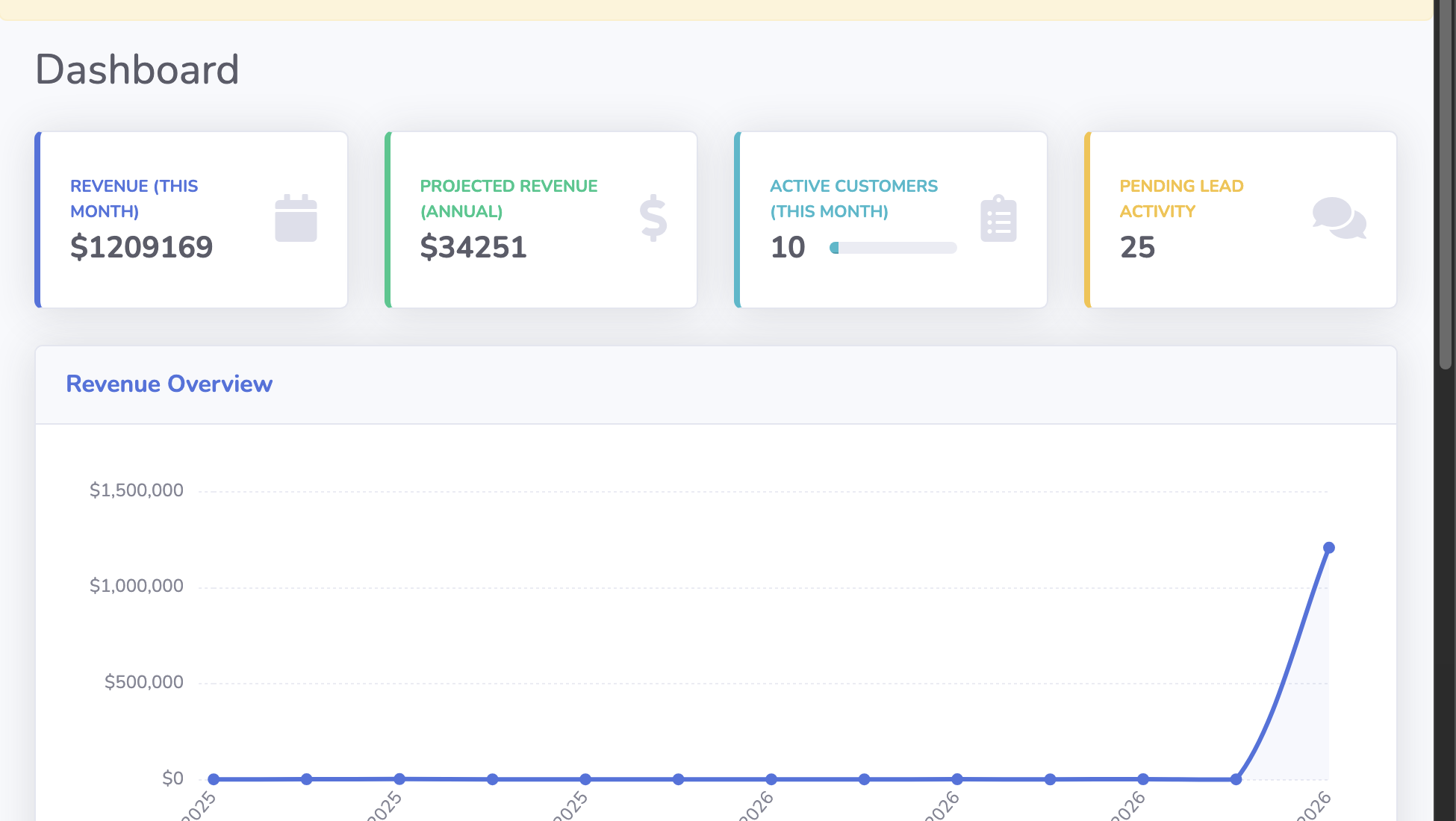
Reports for profit, value and exceptions
Chapter 01 / The signal
Supply and Demand
Know what is moving before you decide what to buy.
The heart of business is supply meeting demand. When you consider this in a packaging format, this really is about making sure you buy products at a competitive enough price (usually based on volumes) and managing the stock turn over and distribution.
When it comes to coffee, the fundamental business process is engaging with your customers regularly and making the ordering mechanism easy so you have highly accurate volumes of KG to manufacture. Both of these business process are documenting and systemising the operations that BSimple would complete.
Chapter 02 / The action
02—04Purchase Orders
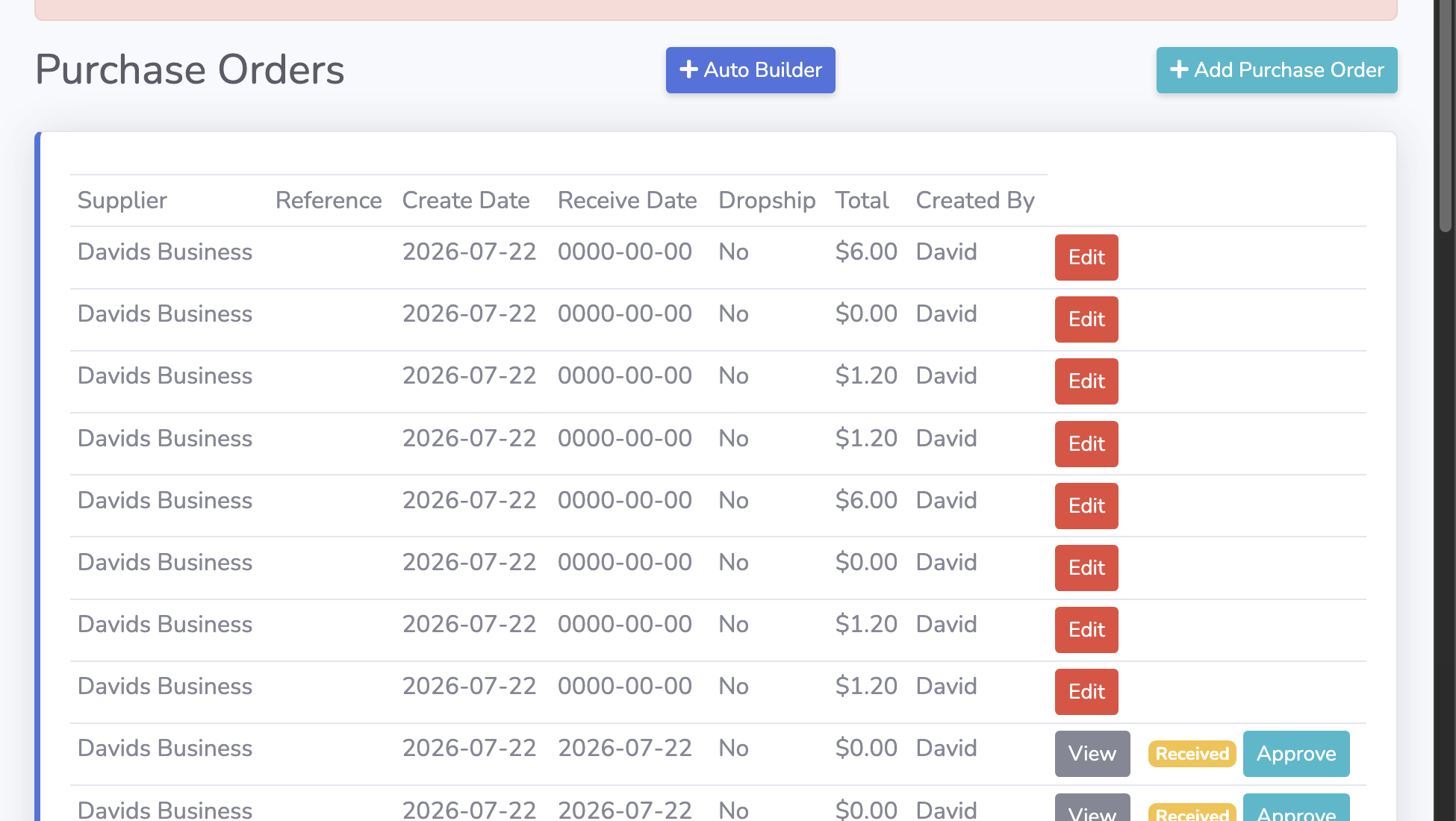
You make your money when you buy right? BSimple takes this to the next level to enable you to highly accurately purchase stock with a "just in time" mindset. No point having stock on the shelf for longer than it takes to receive the same item again right? Ideally, as a fundamental idea you want as much stock in transit as you can. This reduces your warehousing expense, labour involved in processing incoming and outgoing stock. The problem here is that you will always have someone who orders something you cannot get in time. Usually due to ordering cycles, upstream out of stocks, transit times, human errors (such as data entry and pick and packing the wrong product) and finally minimum order levels.
BSimple has a few modes for Purchasing.
- You can manually build a PO yourself by entering codes/SKU's
- You can manually build a PO yourself based on the products your customers have order, but haven't approved yet (ie. Just in Time)
- You can manually build a PO yourself by reviewing all SKU's for a supplier
- You can use the Auto-Builder Automation super tricky smart thing which will crunch the numbers on each SKU and tell you what it reckons you need to buy (ie. Too busy to do it proper? Do this so you have stock.)
Chapter 03 / The guardrail
Par Levels
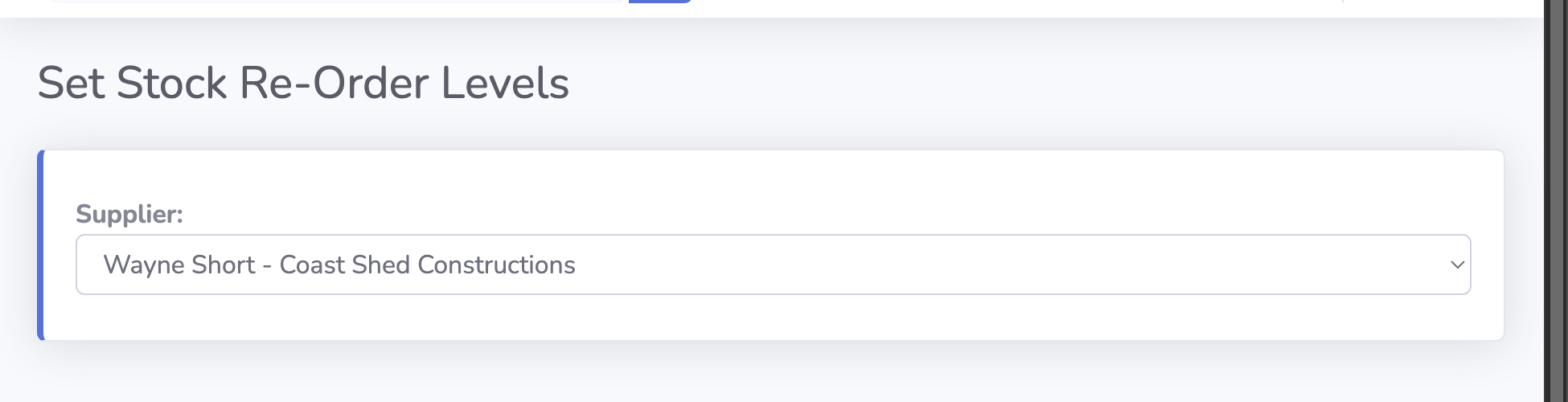
What is a Par Level? It is a quantity of a SKU that you believe you need to keep on hand at any given time to fill orders. This really is a advanced concept that requires some indepth thinking, understanding and experience running your business. The factors you need to bring into building your par levels would be some of the following (But not limited too):
- Re-Order timeframes. This encapsulates a few concepts, but consider your existing suppliers and what they may have for minimum orders, potential stock shortages, transit times, delivery fees etc.
- Space & Cashflow - pretty obvious, if a particular item is very expensive, or very large, or very heavy you may need to choose to run light on that SKU.
Chapter 04 / The count
Stocktakes
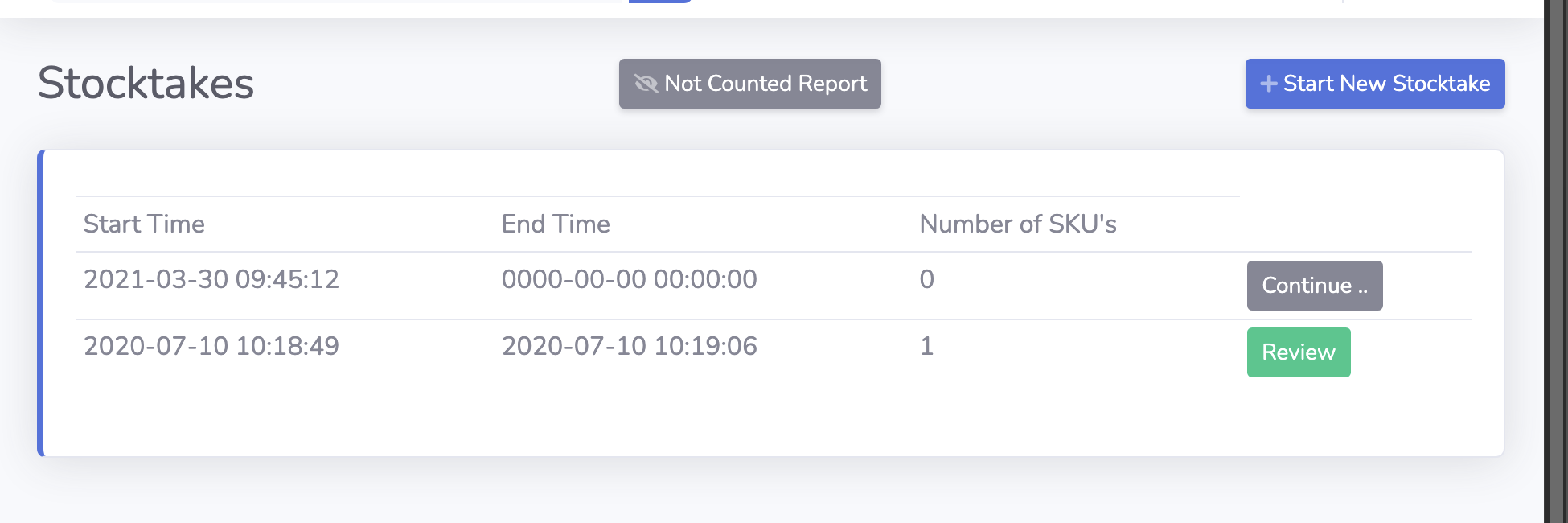
BSimple helps the stocktake process by giving you a simple mechanism, which you should already be familiar with, to search for products and enter the "actual" figure based on your onsite count.
Unfortunately, this doesn't shortcut the requirement to actually physically count the product, this will always be required. However making the process as optimised as possible, reduces the human error component whilst being flexible enough to be stopped and started as required.
Chapter 05 / The readout
Reports
Getting data out of your Business Management System is core to making central decisions. BSimple has a range of reports that are designed to help you stay on top of your inventory - because lets face it, there are always going to be missing SKU's.
Some of the reports BSimple presents are:
- Profit Reports
- Profit Reports grouped by Tag
- Customers with Contracts
- Customers with no Tag
- Inventory items with negative quantity
- Inventory items with missing pricing detail
- Inventory value grouped by supplier
- Kilos by SKU
- Top customers
Chapter 06 / The source of truth
Invoicing
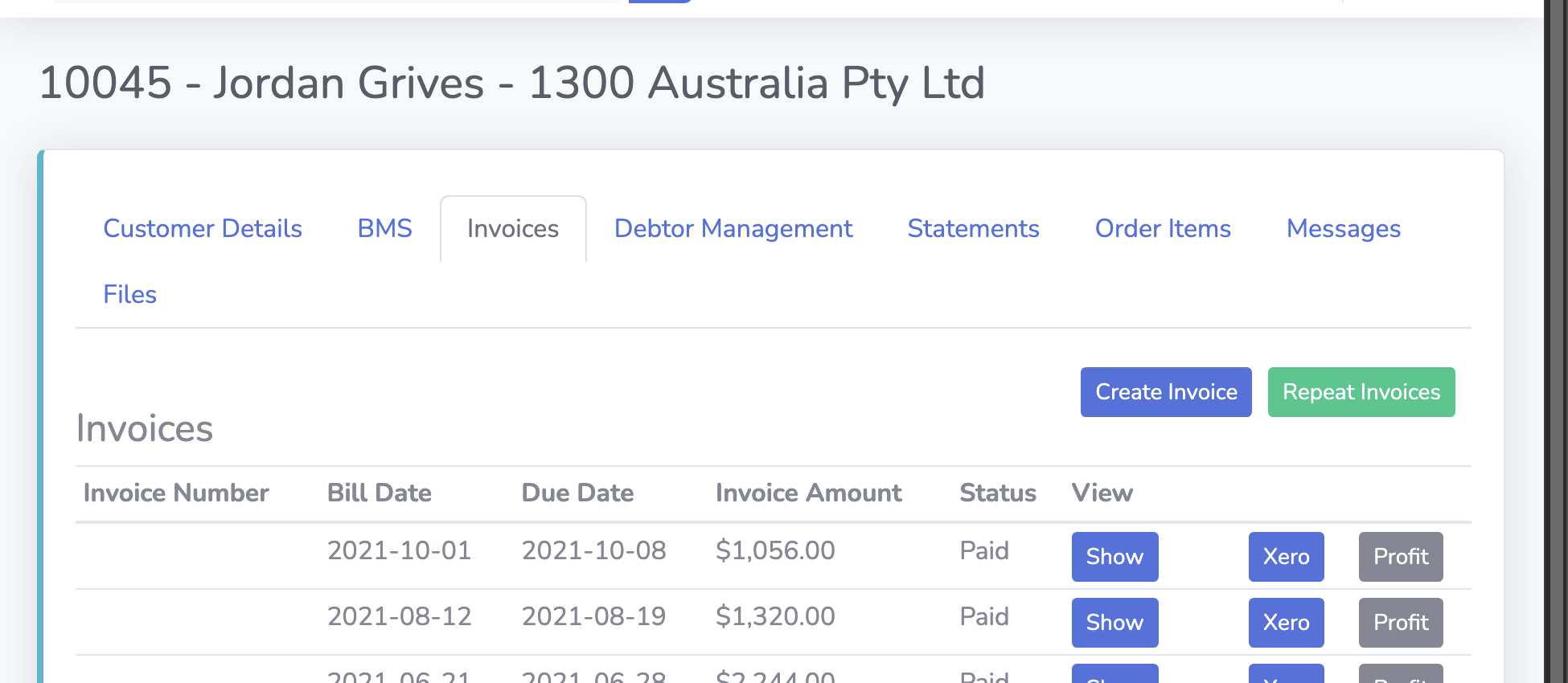
The last phase of inventory management that is being unpacked today is the importance of accurate invoicing. For BSimple to help you manage your inventory, for it to have even a single chance, you will need to including BSimple in every single sale. This means all over the counter sales (many ways of achieving this), all wholesale sales either through in-house delivery, courier delivery or some other method of distribution, as well as any online sales. Everything needs to run through BSimple - got it?
This gives BSimple the ability to track exactly how many times a SKU is being invoiced, keep stock levels accurate - as well as really unpack a lot of the other important metrics that we can gleam from being involved in the transaction.
Keep the loop moving